

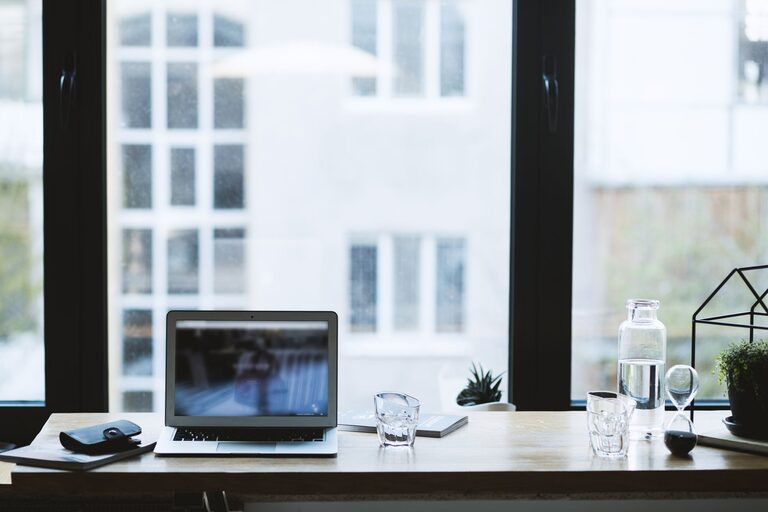
Creating a home office that is both relaxing and productive is essential for anyone working remotely or running a business from home. The right environment can help you stay focused, reduce stress, and maintain a healthy work-life balance. Here’s a detailed guide with tips to help you craft a workspace that supports your wellbeing and efficiency.
Choose the Right Location
Find a Dedicated Space
Selecting a specific area in your home to serve as your office is the first step. Ideally, use a room or a quiet corner that is separate from living and sleeping areas. This helps your mind distinguish between work time and personal time.
Consider Natural Light
Try to position your desk near a window. Natural light improves mood and reduces eye strain. If natural light is limited, use soft, adjustable lighting that mimics daylight to avoid harsh shadows or glare on your screen.
Invest in Comfortable and Functional Furniture
Ergonomic Chair and Desk
Comfortable seating is crucial. Choose an ergonomic chair that supports your back and encourages good posture. Pair this with a desk at the right height to prevent slouching or strain.
Desk Organisation
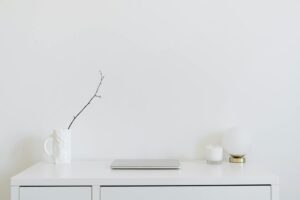
Keep your desk tidy and organised. Use storage solutions like shelves, drawers, or desk organisers to store documents and supplies. A clutter-free desk can help reduce distractions and increase focus.
Create a Calming Atmosphere
Choose Soothing Colours
Colours influence mood. Light blues, greens, and neutral tones can create a calm environment. Avoid overly bright or dark colours that may cause stress or fatigue.
Add Personal Touches
Include items that make you feel relaxed and inspired, like plants, photos, or artwork. Plants, in particular, can improve air quality and add a refreshing touch to your space.
Control Noise Levels
Reduce distractions by using noise-cancelling headphones or playing soft background music, such as nature sounds or instrumental tunes. If possible, soundproof your area with rugs, curtains, or acoustic panels.
Optimise Your Technology Setup
Reliable Equipment
Use a good-quality computer, monitor, keyboard, and mouse to make your work more efficient. Check that cables and devices are in good condition and won’t cause frustration or delays.
Organised Cables
Tidy up cables with clips or organisers to prevent tangles and maintain a clean workspace. This also reduces trip hazards and allows for easier maintenance.
Adequate Internet Connection
A fast and stable internet connection is fundamental for remote work. Position your router for the best coverage or consider a wired connection to avoid interruptions.
Manage Lighting and Screen Settings
Adjustable Lighting
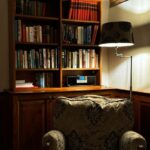
Use a desk lamp with adjustable brightness and direction. This helps reduce eye strain, especially when working in the evening or on cloudy days.
Screen Placement and Settings
Position your monitor to avoid glare and keep it at eye level to prevent neck strain. Adjust the screen brightness and contrast to comfortable levels and consider using blue light filters for prolonged screen time.
Encourage Movement and Breaks
Take Regular Breaks
Avoid sitting for long periods by taking short breaks every hour. Stand up, stretch, or take a brief walk around the room or outdoors to refresh your body and mind.
Incorporate Movement Tools
Consider a balance ball chair, standing desk, or under-desk pedal exerciser to promote movement while working.
Set Boundaries to Separate Work and Home Life
Define Work Hours
Establish consistent working hours to maintain a routine. Inform family or housemates about your schedule to minimise interruptions.
Create a Shutdown Ritual
At the end of the workday, close your laptop, tidy your desk, and leave your work area if possible. This signals the end of work and helps you transition to relaxation.
Keep Air Quality and Temperature Comfortable
Ventilation
Open windows regularly or use air purifiers to keep the air fresh. Good air quality supports concentration and overall health.
Temperature Control
Maintain a comfortable room temperature. Use fans or heaters as needed, since being too hot or too cold can distract from your work.
Stay Hydrated and Nourished
Keep a water bottle nearby and drink regularly. Avoid excessive caffeine and opt for healthy snacks during work hours to sustain energy without crashes.
—
By implementing these tips, you can create a home office that not only maximises productivity but also nurtures your wellbeing. A thoughtful and well-maintained workspace helps you stay motivated, organised, and relaxed — ideal for making the most of your working day.